ESP32-2432S028R
For this project, you will need an ESP32-2432S028R. Below you will find a single board or two pack of the boards. These are the same ones I use. These are the only ESP32’s I have tested with.

- The display screen is controllable and can be used for APP remote control, remote environmental data collection and remo…
- ESP32-2432S028 development board is based on the ESP32-DOWDQ6 controller, low-power, dual-core CPU, clock frequency up t…
- Application: Home smart device image transmission, Wireless monitoring, Smart agriculture QR wireless recognition, Wirel…

- The display screen is controllable and can be used for APP remote control, remote environmental data collection and remo…
- ESP32-2432S028 development board is based on the ESP32-DOWDQ6 controller, low-power, dual-core CPU, clock frequency up t…
- Application: Home smart device image transmission, Wireless monitoring, Smart agriculture QR wireless recognition, Wirel…
ESP32 BIN File
Click the button below to download the BIN file for your ESP32. This file contains all the code needed to start your Crypto Tracker
Coin Price API Key
To set up the Crypto Tracker, you will also need a LiveCoinWatch API Key. This is free to obtain. It is used to allow your Crypto Tracker to fetch the current coin values used on the displays to calculate the wallet value. I went this route of having the user get their own key rather than hardcoding it into the file for one main reason. Live Coin Watch limits the number of fetches a day per key. For one device, it is way more than one user will use. But if a lot of people like this code and use it, it would quickly get used up each day. This way, price lookups will always be available to you. It’s free, so no big deal.
This API key will be entered in the config screen when you get to that step.
Now you have everything you need to build your ESP32 Crypto Tracker. I use Web.ESPHome.IO to flash my bin files
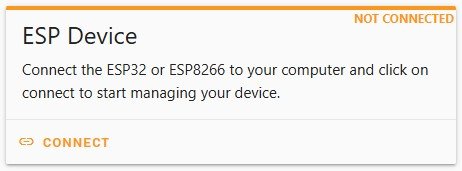
Plug your ESP32 into your computer and click CONNECT.
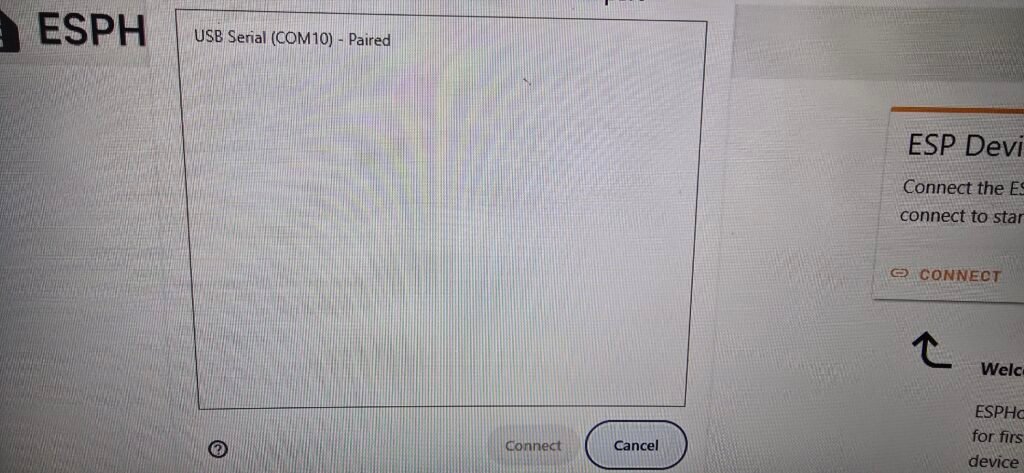
Select your COM PORT
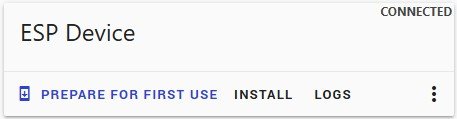
Click INSTALL
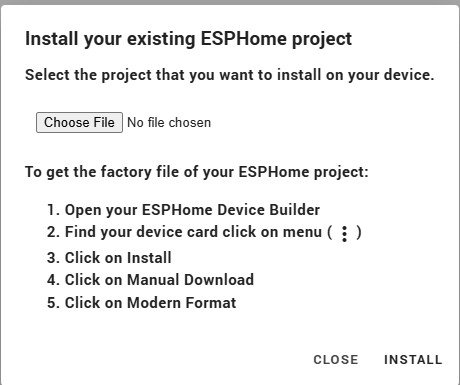
Click Choose File and then select the .bin file you downloaded. While holding the BOOT button on the ESP32, click INSTALL
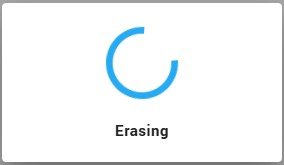
When you see Erasing, release the BOOT button
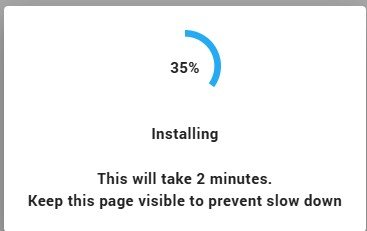
The screen will change to Installing. Wait for it to complete.
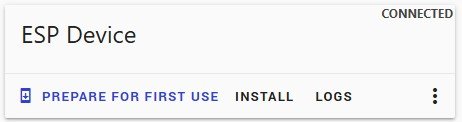
Once Install is complete, click LOGS

Click RESET DEVICE. – You can also unplug and plug the ESP32 back in to reset, but this is how I’ve always done it. The ESP32 should boot into Config mode
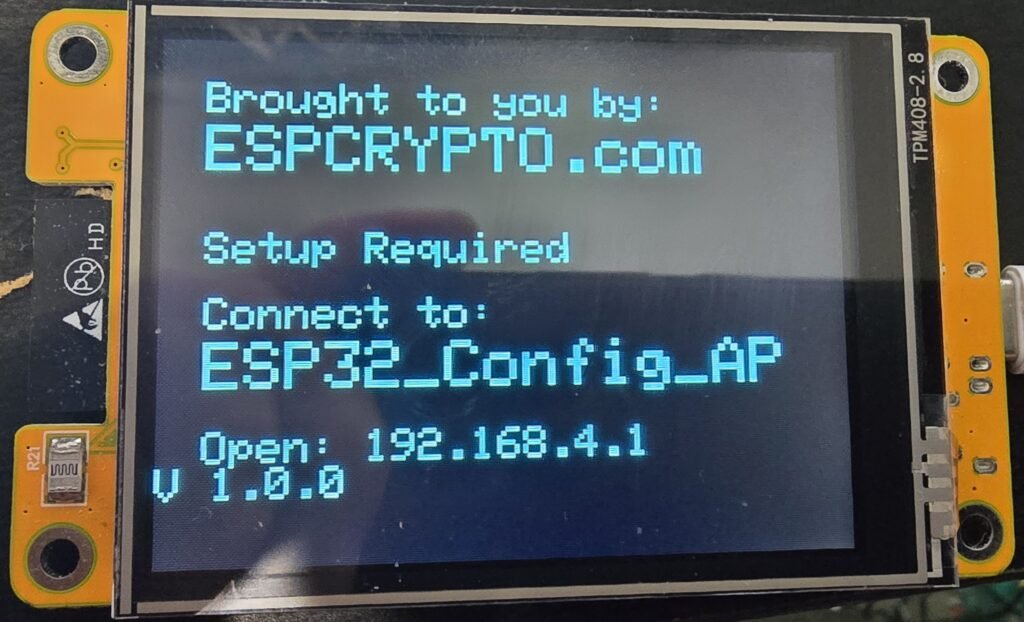
Now you need to connect to the displayed WIFI and open a browser to the displayed IP address. This will take you to the config page.
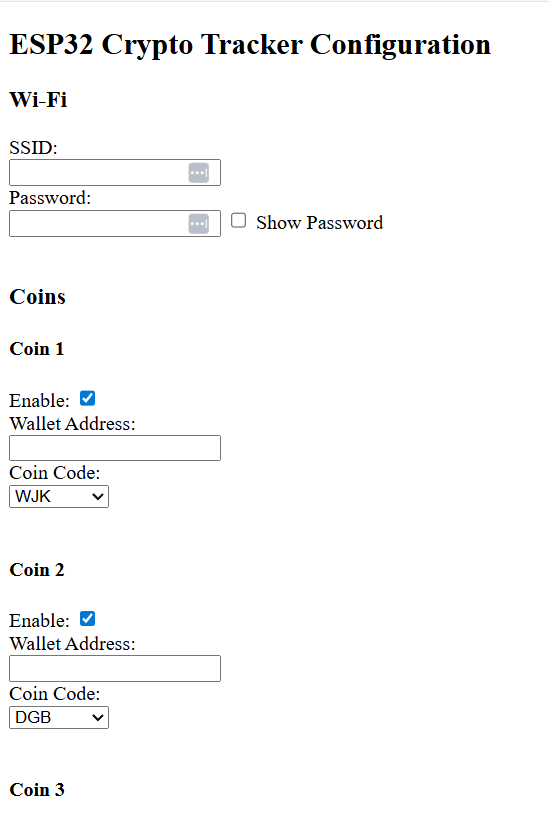
You will enter your WIFI SSID and Password. Scroll down and start entering your wallet addresses and selecting your Coins. Currently, in V 1.0.0 I have only configured WJK-Wojak, DGB-Digibyte and BTCV-Bitcoin Value, so only the first three coin options can be used. More to come. Above each wallet address is an Enable button. If you don’t want to display a coin, deselect it. Scroll to the bottom
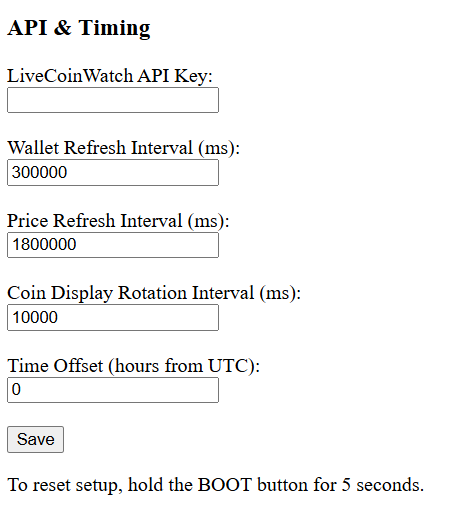
Here you will enter your LiveCoinWatch API key that you created above. This is used to capture the coin’s value. You can also set your wallet, Price refresh and Coin rotation intervals. Note the API Key for coin price has a limited number of uses per day. By default, it is set to 30-minute updates, but you can change it. The more refresshes the harder it is on your ESP32.
You can also enter your UTC time offset so that the last updated times on the display are in your local time.
Click Save. Your ESP32 will reboot. Give it about a minute to finish restarting, and it should start displaying your configured and enabled wallets. The delay from save to reboot is something I need to look into for the next version. Something I changed introduced the delay.
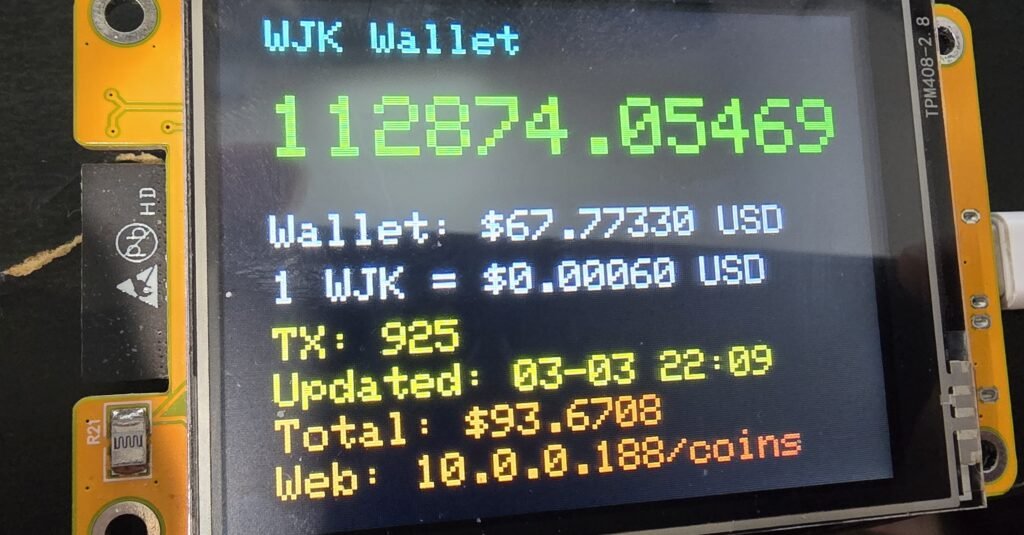
Note at the bottom of the display is a web address. If you enter this into your browser, it will take you to a dashboard with the same data. This way, you can check in on your wallets from anywhere on your network. Currently, the webpage will refresh every 10 seconds. This may change, still testing the load on the ESP32 as more coins are added.
